Here is the short version: use Google Search Console for the keywords you already rank for, an autocomplete tool like the one on this site for thousands of keyword ideas, and Google Keyword Planner or the free Google Keyword Tool from Keywords Everywhere to put search volumes on them.
That combination costs nothing and covers about 90% of what paid suites do. The rest of this guide ranks the 12 tools worth your time, with what each one actually gives you for free.
| # | Tool | What you get free | Best for |
|---|---|---|---|
| 1 | Google Search Console | Your real queries, clicks, positions | Keywords you already rank for |
| 2 | Google Keyword Planner | Volume ranges, CPC, forecasts | Volume data straight from Google |
| 3 | KE Google Keyword Tool | Suggestions with volume, CPC, competition | Numbers without an account |
| 4 | Keyword Tool (this site) | Up to 10,000 autocomplete keywords per search | Long-tail ideas in bulk |
| 5 | Google Trends | Interest over time, comparisons | Seasonality and direction |
| 6 | AnswerThePublic | Question keywords, a few searches per day | Content and FAQ ideas |
| 7 | AlsoAsked | People Also Ask trees, limited daily | How questions relate |
| 8 | vidIQ | YouTube keyword and tag insights | Video topics |
| 9 | Keyword Surfer | Volumes shown inside Google results | Data while you browse |
| 10 | Ahrefs Keyword Difficulty Checker | Difficulty score + top 10 breakdown | Judging your chances |
| 11 | Bing Webmaster Tools | Bing volumes and your Bing queries | A second data source |
| 12 | ChatGPT and other AI chats | Unlimited brainstorming | Ideas and grouping, never numbers |
Where free keyword data actually comes from
Every keyword tool on this list, paid ones included, draws from one of three wells. Knowing which well a tool drinks from tells you what to trust it for.
The 12 tools, ranked
1. Google Search Console
If you already have a website, this is the only tool with real numbers instead of estimates. The Performance report shows every query your site appeared for, your clicks and your average position.
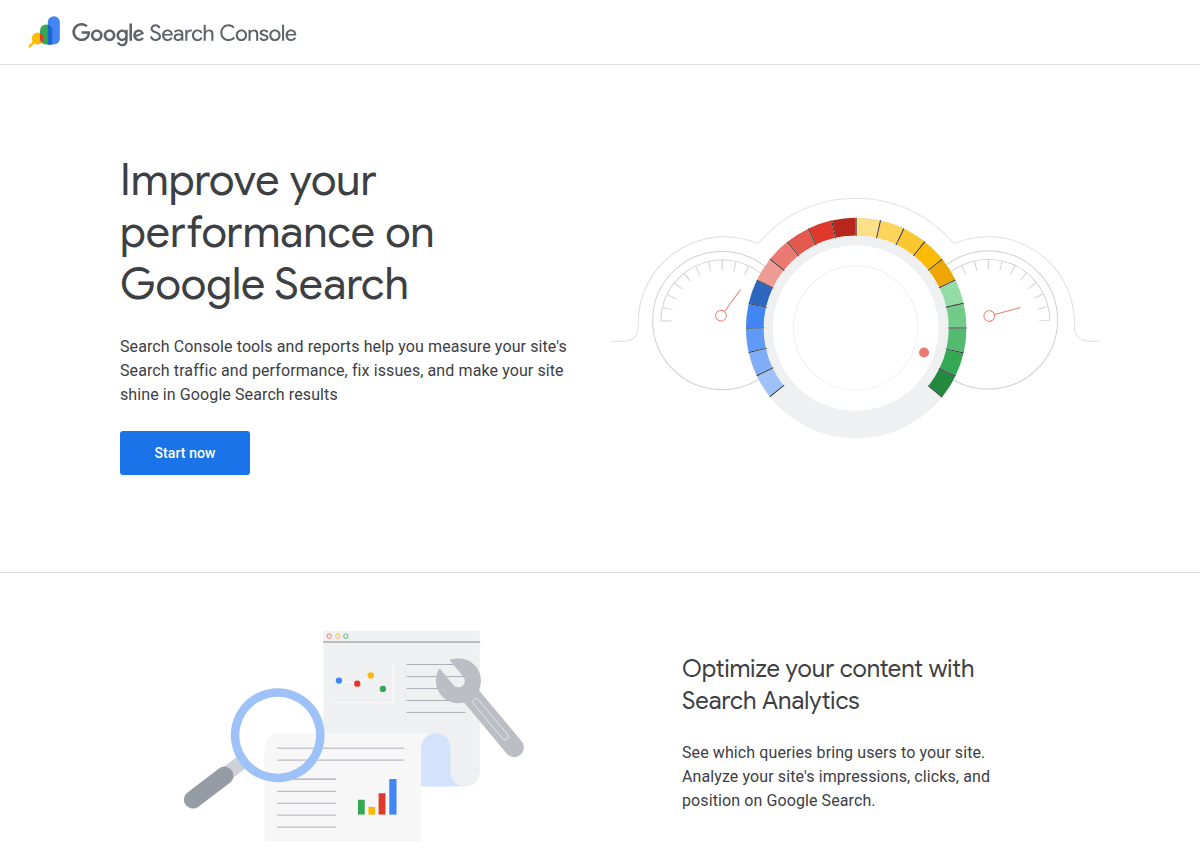
The classic move: filter for queries where you rank between position 8 and 20. Those pages are one small improvement away from real traffic.
The only limit is that it cannot see keywords you do not rank for yet. Set it up at search.google.com/search-console if you have not already.
2. Google Keyword Planner
This is the source most paid tools resell. You need a Google Ads account (free, no campaign required), and in return you get volume, competition and bid estimates for any keyword list you paste in.
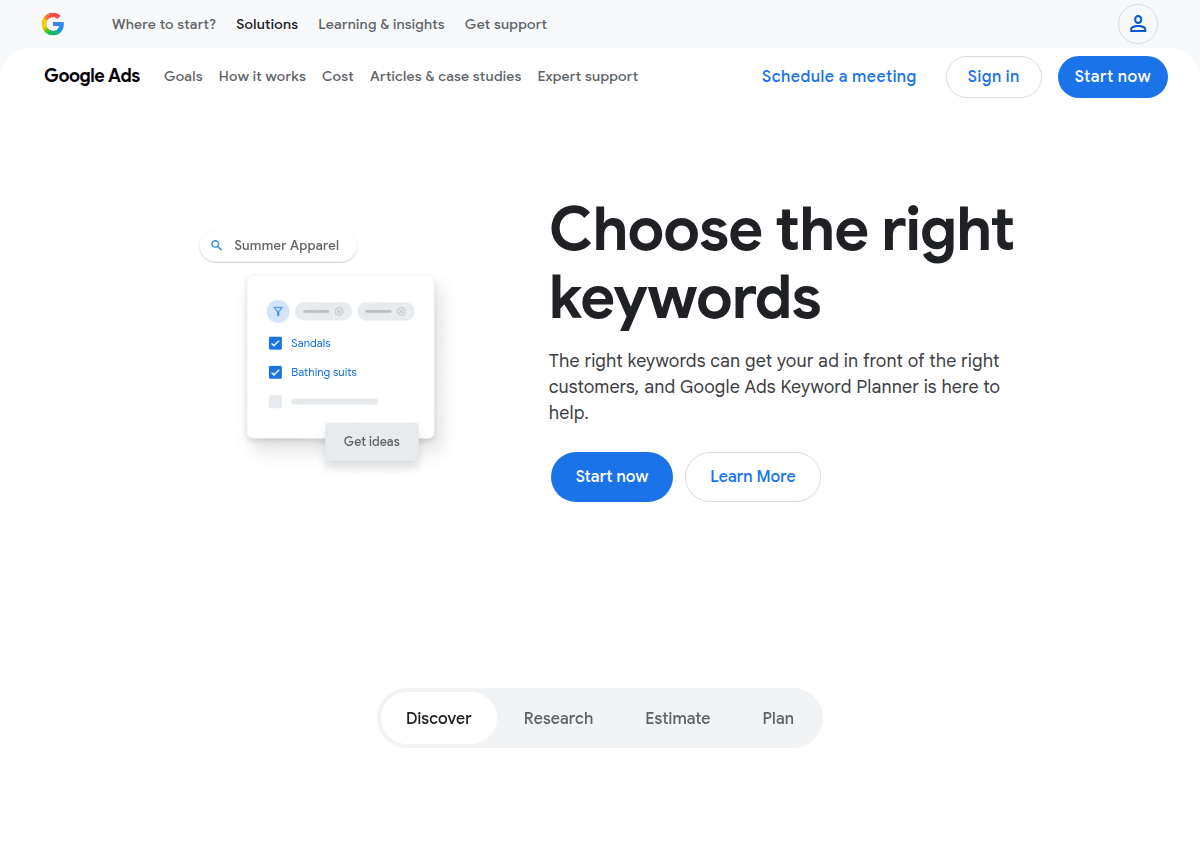
The well-known catch: without active ad spend, volumes come as ranges like 1K to 10K. That sounds vague but works fine for sorting keywords into big, medium and small.
It also refuses to show most low-volume long-tails. Pair it with an autocomplete tool and that gap closes.
3. Google Keyword Tool (Keywords Everywhere)
The standout free option for suggestions and numbers in one screen. Type a seed keyword into the Google Keyword Tool and it streams back real Google search phrases with monthly volume, CPC and competition attached.
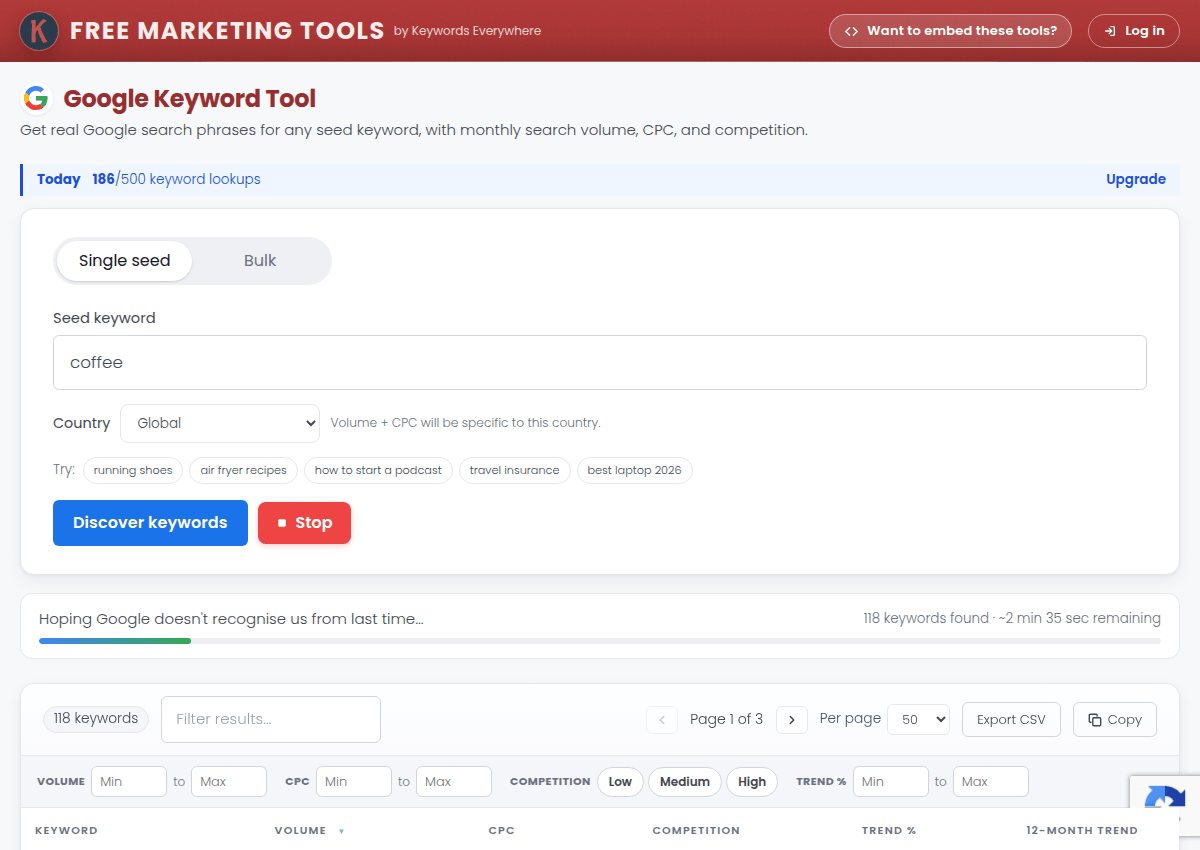
No account needed, and the free allowance is 500 keyword lookups a day. That combination is the exact thing most tools charge for.
4. The keyword tool on this site
Full disclosure: this one is ours, so rank it yourself. It takes up to 10 seed keywords and mines Google Autocomplete for every phrasing people actually type, streaming up to 10,000 long-tail keywords per run.
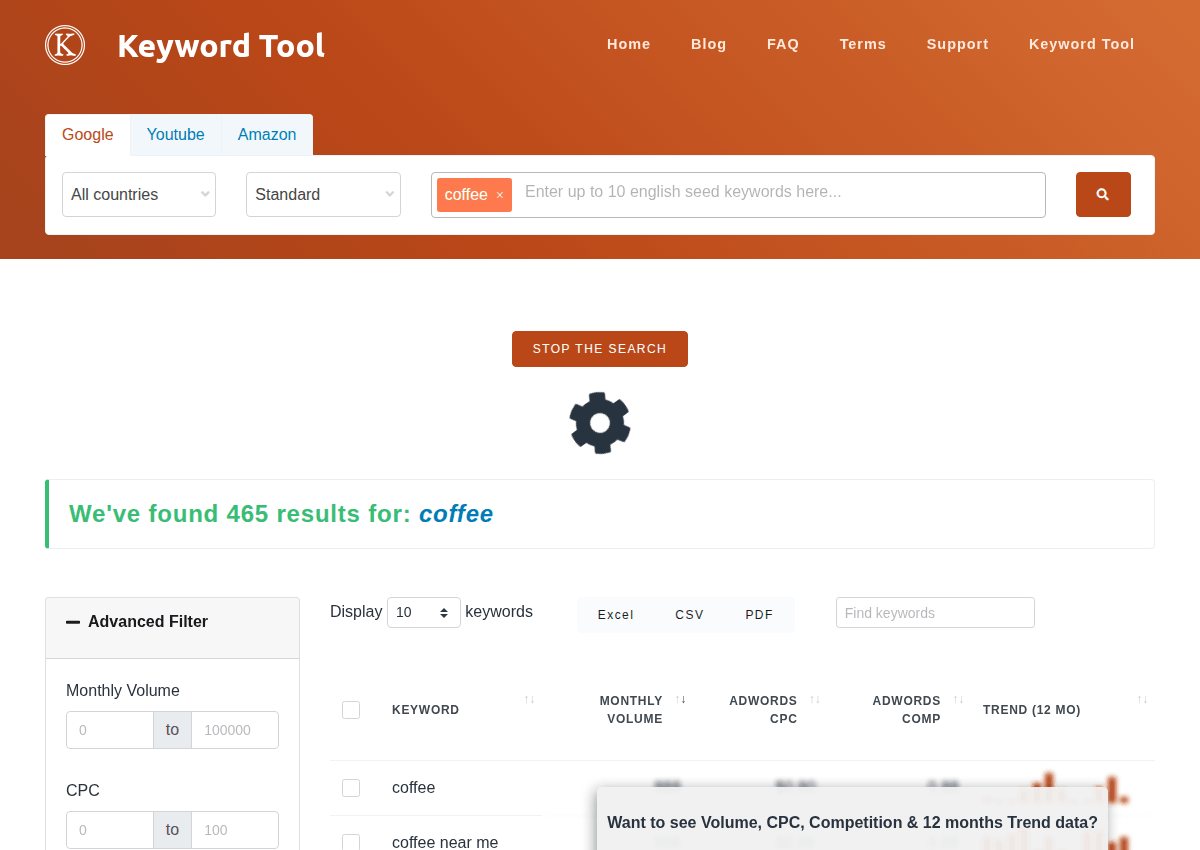
It is free with no signup, and volumes appear if you add your own Keywords Everywhere API key. Without a key you still get the full keyword list.
It exists for step one of keyword research: getting the big raw list. Try a seed keyword and watch the list build.
5. Google Trends
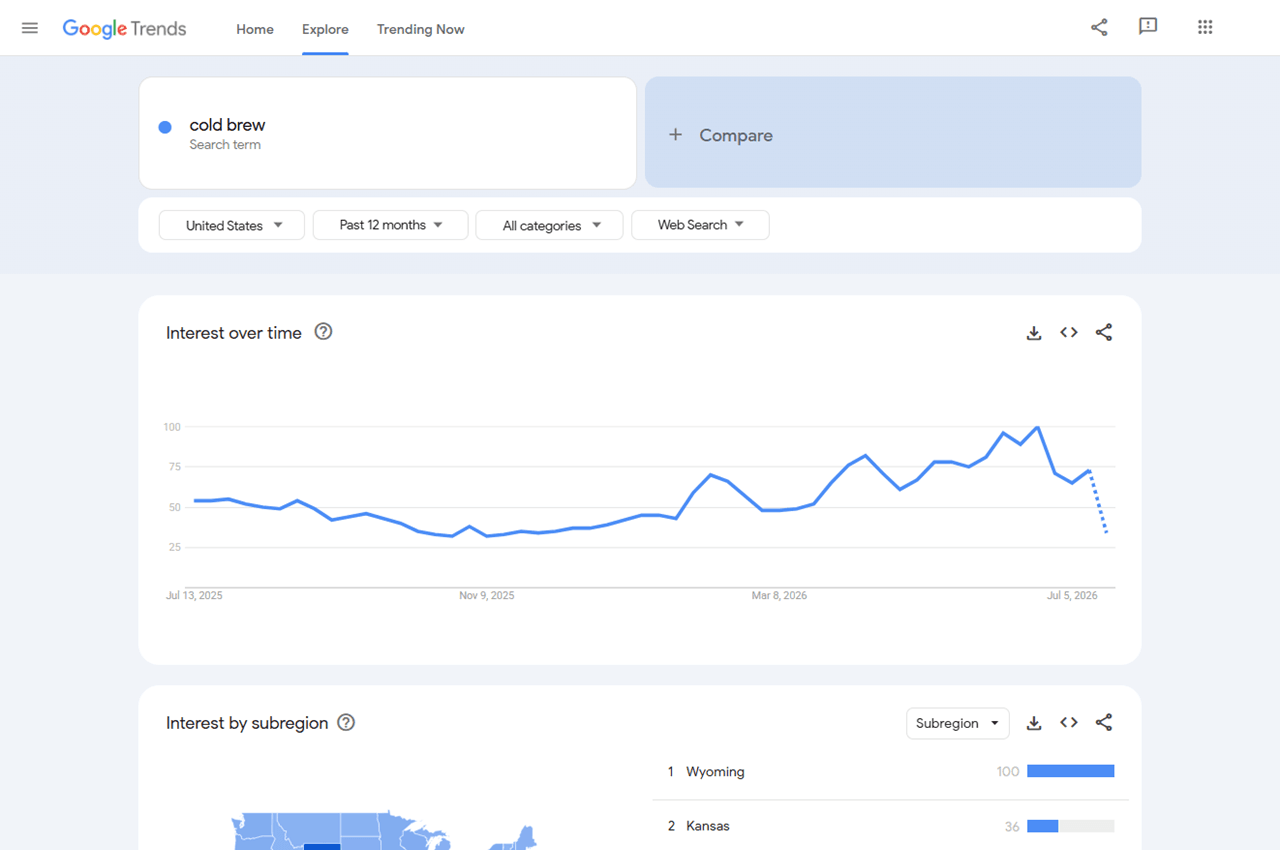
Trends answers a different question than volume tools. Not "how many", but "which way is it going".
Compare up to five terms, spot seasonality before it happens, and catch dying topics before you write about them. Two features people miss: the rising queries list under every chart, and category filtering so "jaguar" the car stops polluting "jaguar" the animal.
6. AnswerThePublic
AnswerThePublic feeds a seed keyword through autocomplete against question words (who, what, why, can, versus) and draws the famous wheel of questions. Great for FAQ sections and blog angles.

The free tier allows a few searches per day. Batch your seeds and make them count.
7. AlsoAsked
Where AnswerThePublic mines autocomplete, AlsoAsked mines the People Also Ask boxes. Crucially, it shows how questions branch from each other.
That branching is a free map of how Google relates subtopics. It is exactly what you want when deciding what one page should cover versus two.
8. vidIQ
Video keywords behave differently: "how to" dominates, and the phrasing is more spoken than typed. vidIQ's free tier surfaces YouTube search volumes, related keywords and the tags competing videos use, right inside YouTube.

The free plan has caps, but for picking video topics it is plenty. Our own tool also has a YouTube tab for suggestion mining.
9. Keyword Surfer
Keyword Surfer is a free Chrome extension that overlays search volumes directly on Google results while you browse. Nothing to run, nothing to export.
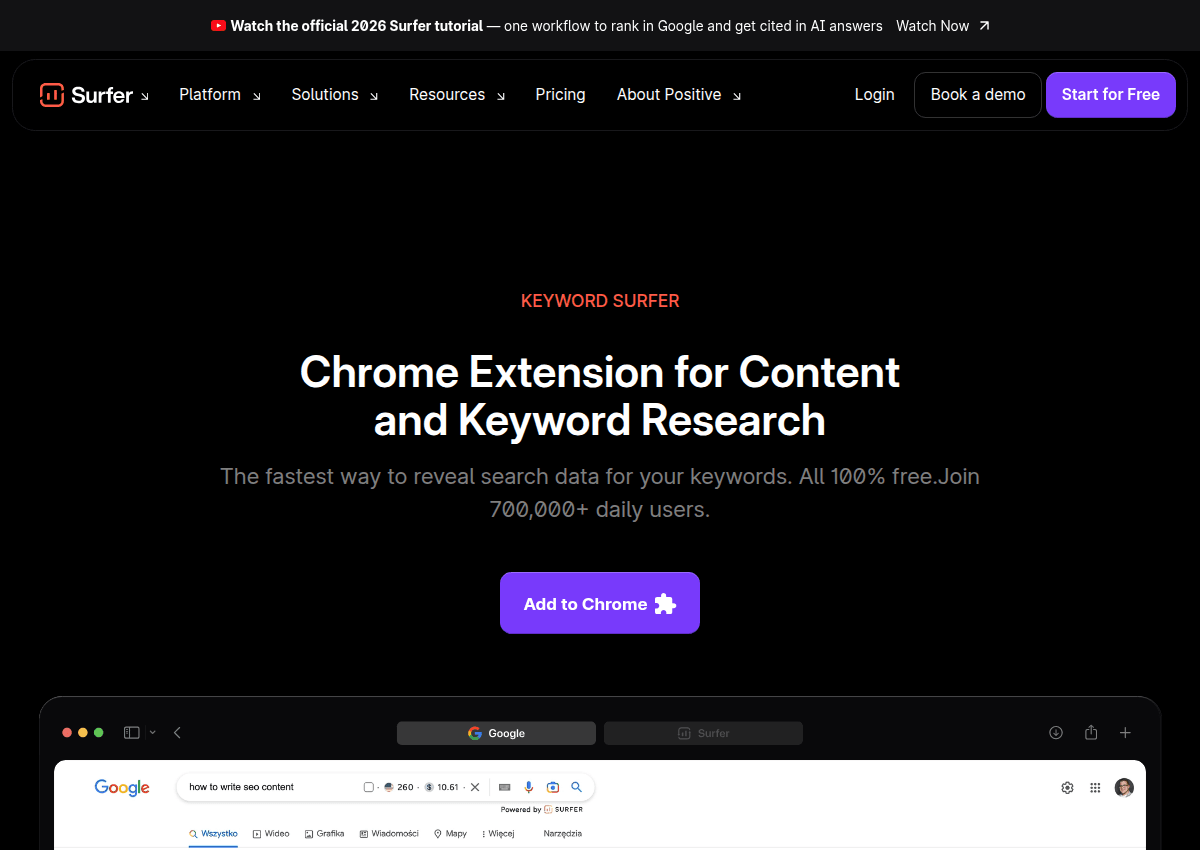
It turns every ordinary Google search into a small research session. Ideal for the "wait, do people search this?" moments that happen mid-writing.
10. Ahrefs Keyword Difficulty Checker
Volume tells you the prize, difficulty tells you the odds. Ahrefs' free difficulty checker scores any keyword and shows the backlink profile of the pages currently in the top 10.
That is the honest way to estimate difficulty, because you are not fighting an abstract score, you are fighting those ten pages. One keyword at a time on the free tier, so spend the checks on your finalists.
11. Bing Webmaster Tools
Nobody's favorite, everybody's blind spot. Bing Webmaster Tools includes a keyword research section with exact Bing volumes, free with an account.
Bing's share of search is small but its data is real. And since AI assistants lean on search indexes for answers, being visible in more than one index is quietly becoming worthwhile.
12. ChatGPT and other AI assistants
Last on purpose. AI chat is genuinely useful for brainstorming seed topics, grouping a messy list into themes, and suggesting angles you missed.
But it has no live search volume database, and if you ask for numbers it will confidently invent them. Let AI widen your thinking, then verify every keyword in one of the eleven tools above.
How to combine them: a free stack that covers everything
You do not need all twelve. You need one tool from each of three jobs, and the whole workflow stays free.
A concrete Saturday-morning version: run 10 seeds through the tool on this site, then paste the best 200 results into Keyword Planner or the Google Keyword Tool for volumes. Check difficulty on your 30 favorites, and cross-check Search Console for anything you already half-rank for.
Two hours, zero dollars. You now have a keyword plan most small businesses never bother to make.
How we picked these
Three rules. The free tier had to be genuinely useful, not a seven-day trial with a credit card form.
The data had to come from a real source: Google's own suggestions, advertiser data, or your verified site data. And every tool here was run against the same test seeds in July 2026 to confirm the free limits described above are current.
One entry, the Google Keyword Tool at number 3, comes from the Keywords Everywhere team, and we say so openly rather than pretending we found it by accident. It earns the spot by giving away data the rest of the market charges for.
The one-line takeaway: free tools stopped being the compromise years ago. Search Console gives you truth, autocomplete gives you ideas, and Keyword Planner or the free Google Keyword Tool gives you numbers.